Search that reads everything
Titles, text, PDFs and the words in photos: in English, Chinese and Japanese, even by pinyin.


Hikki is a block editor for iPhone, iPad and Mac. Every page is a file in a folder you choose, so your writing never waits on an account or a server.
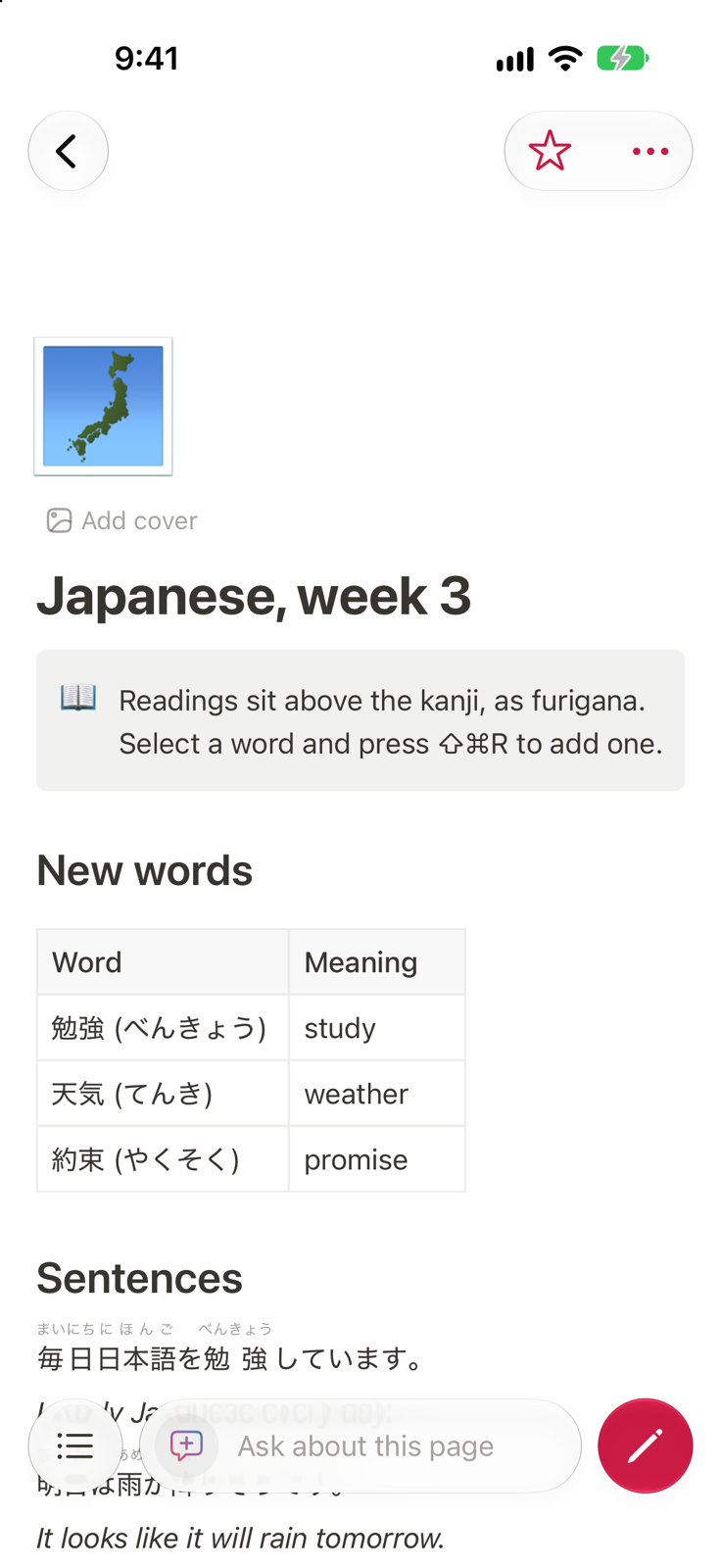
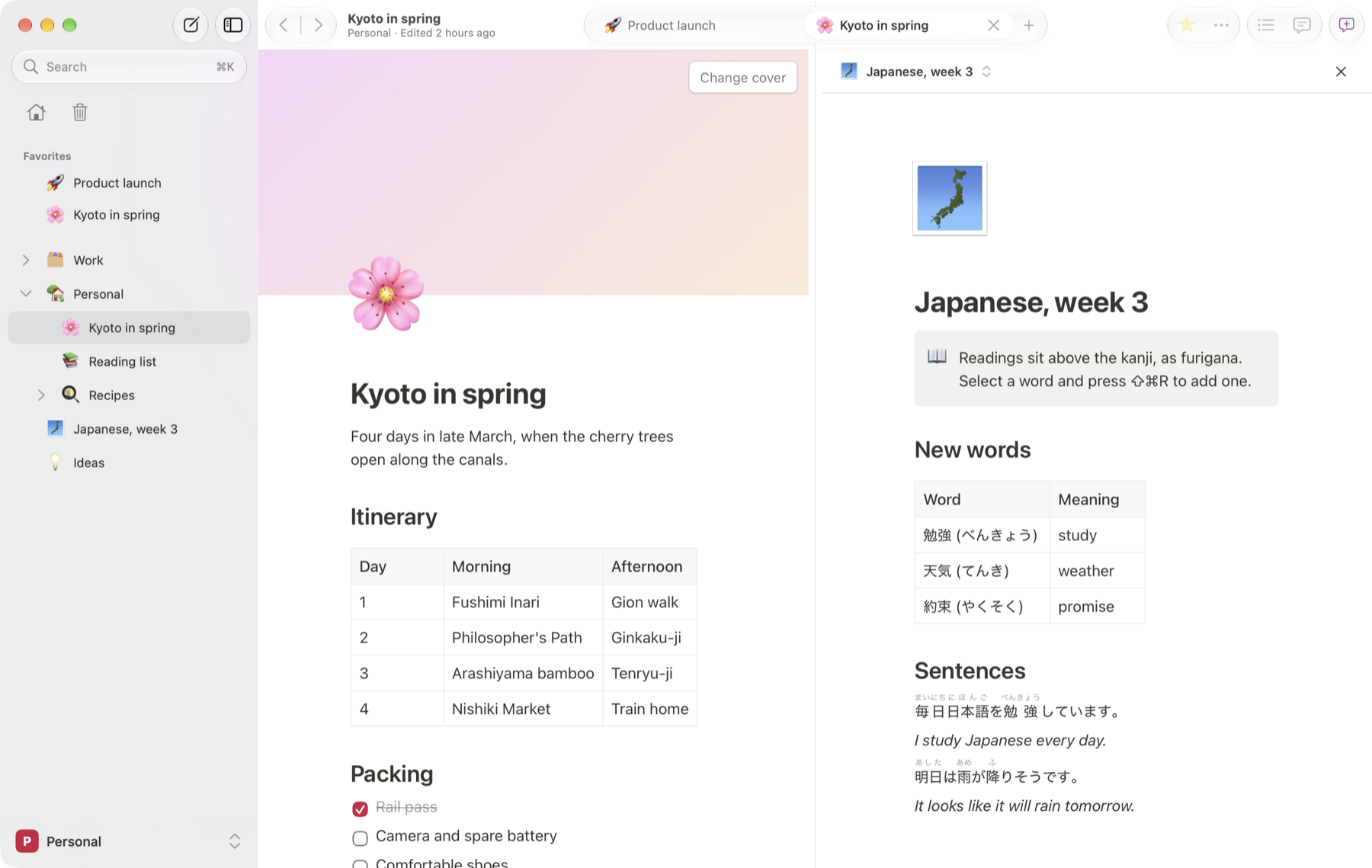
筆記 (hikki) is Japanese for taking notes. Hikki shows readings like that above the kanji in your own pages.
Each page is one small file in a folder you pick: on the device, or in iCloud Drive to reach every device you own. Copy it, back it up, read it with any tool. Hikki keeps a search index beside it and can always rebuild it from the files.
Notes/
  pages/
    product-launch.json
    kyoto-in-spring.json
  history/
assets/Open the app and write. There is nothing to sign up for.
Everything is on the device first; the network is optional.
Put the folder there and your other devices pick up changes.
Two devices editing one page keep both versions, side by side.
Go back to how any page read last week, and restore it.
Built natively for each, with the same pages everywhere.
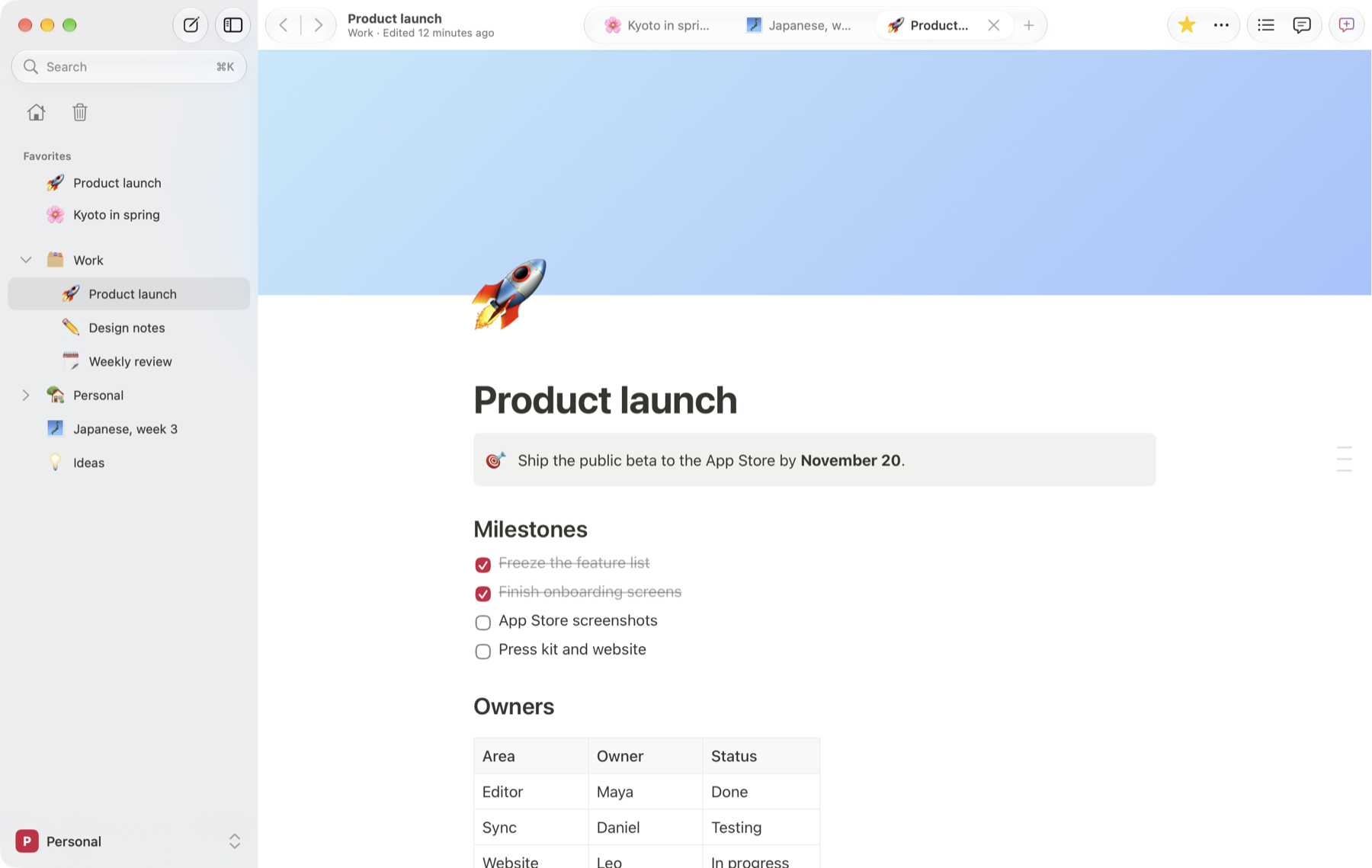
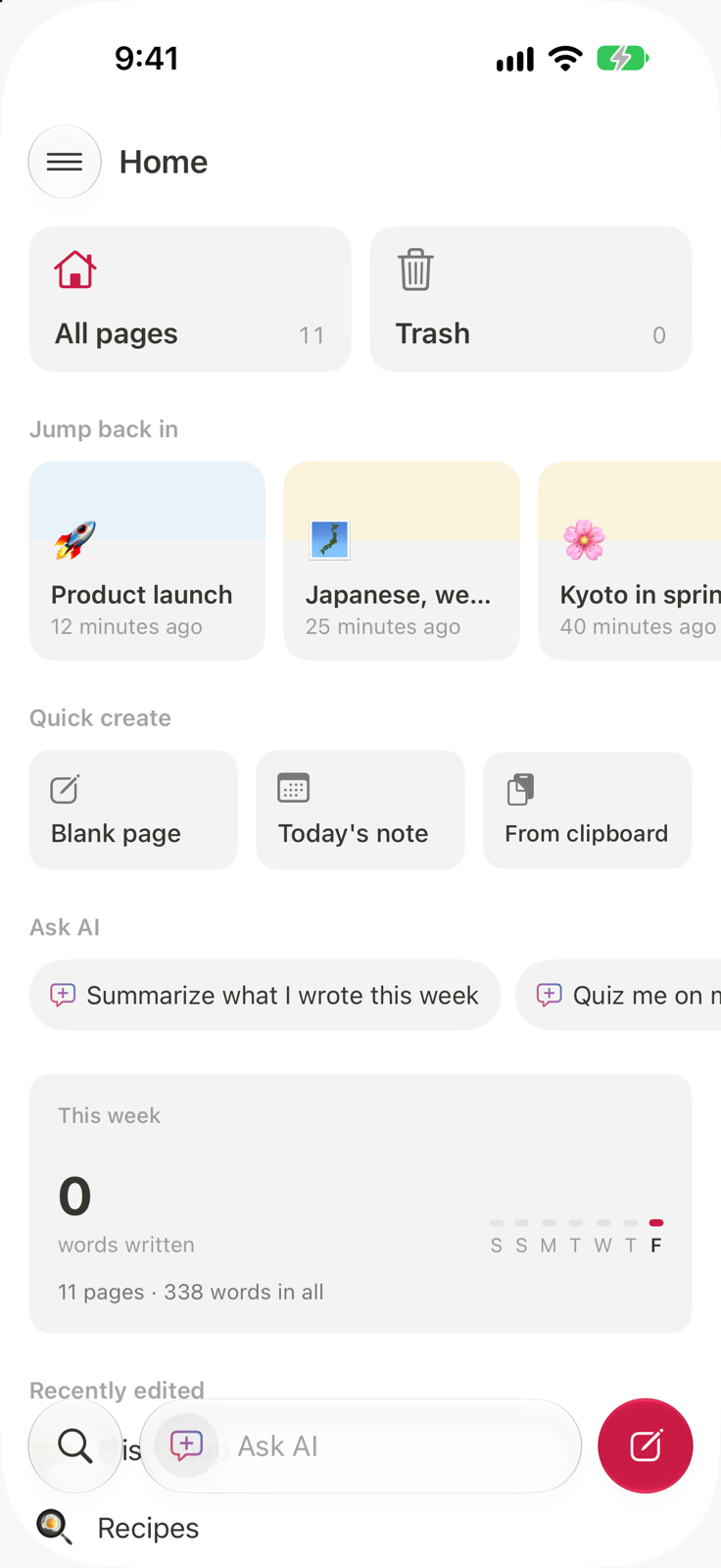
Put the folder in iCloud Drive and what you write on one shows up on the others. Two devices editing the same page keep both versions.
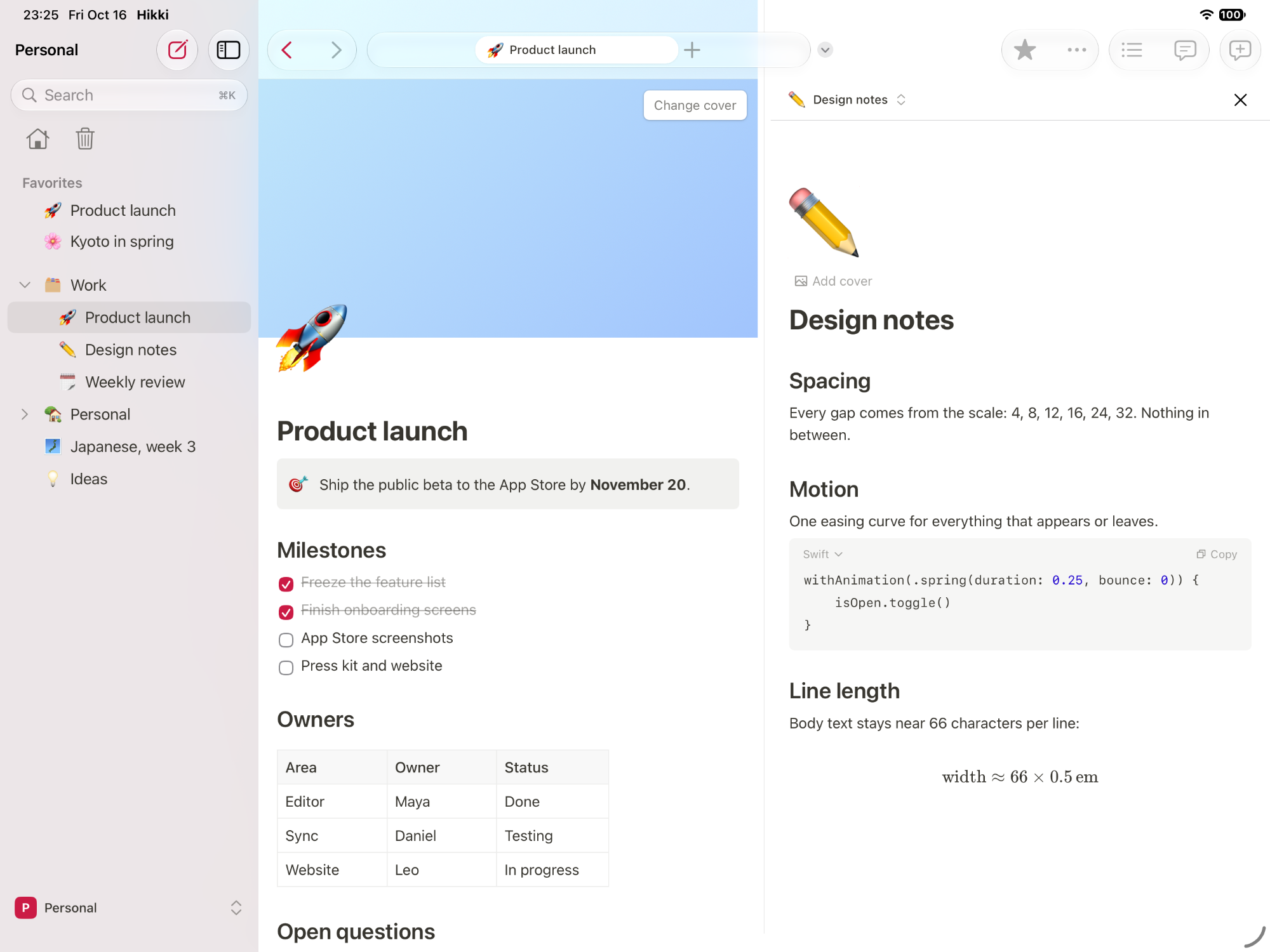
Drag a page from the sidebar to the edge of the window and it opens beside the one you are writing in. Each side has its own editor.
Keep notes on one side and the source on the other, or a PDF from the page. Open the same page twice to write in one half and read in the other.
Ask about what you are reading, or select a passage and have it rewritten. It runs on your own OpenAI or Anthropic key, and nothing is sent until you ask.
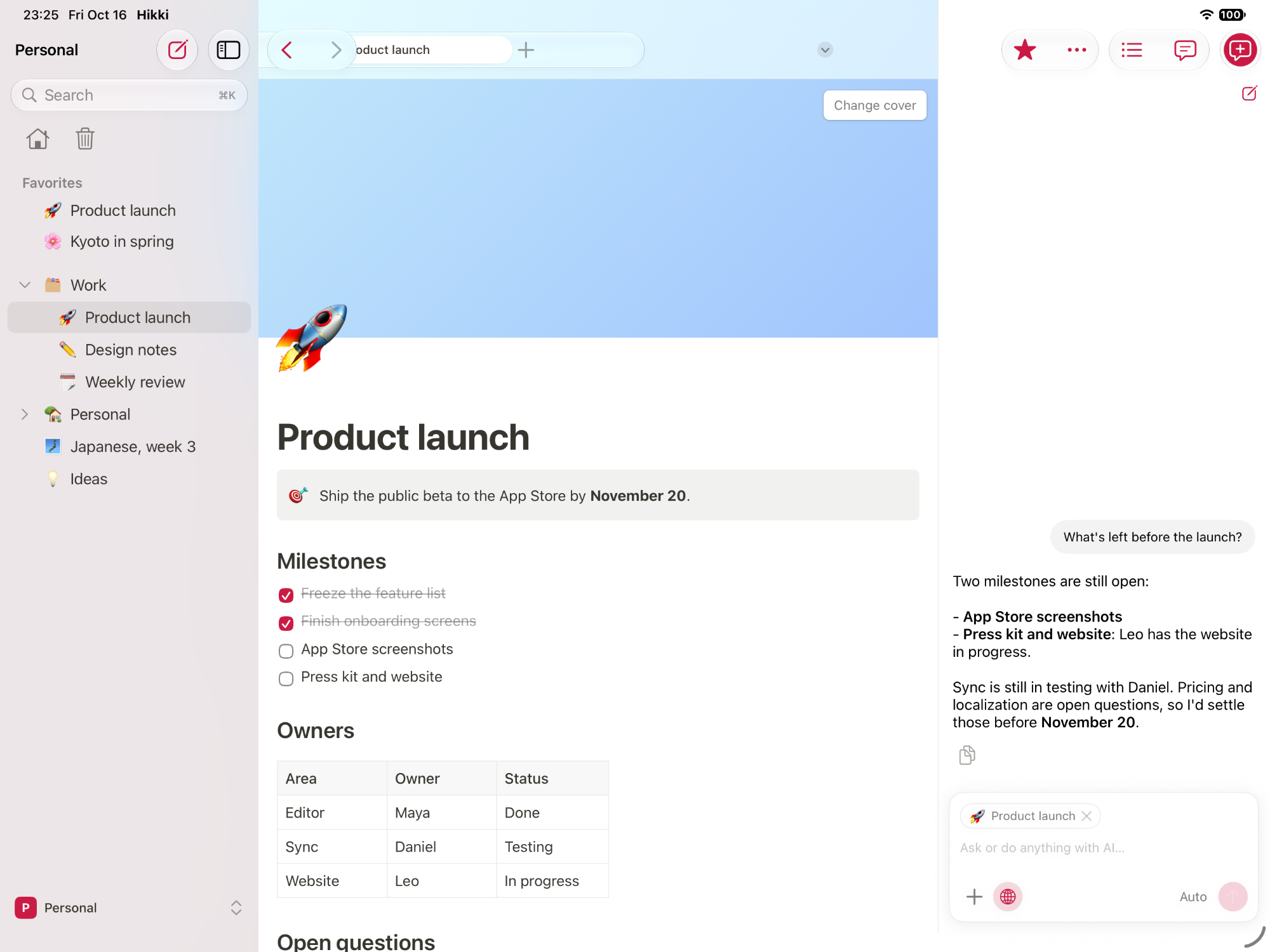
The AI panel reads the page you have open and the passage you selected. Add other pages with @, attach a picture or a PDF, and let it search the web, with its sources linked.
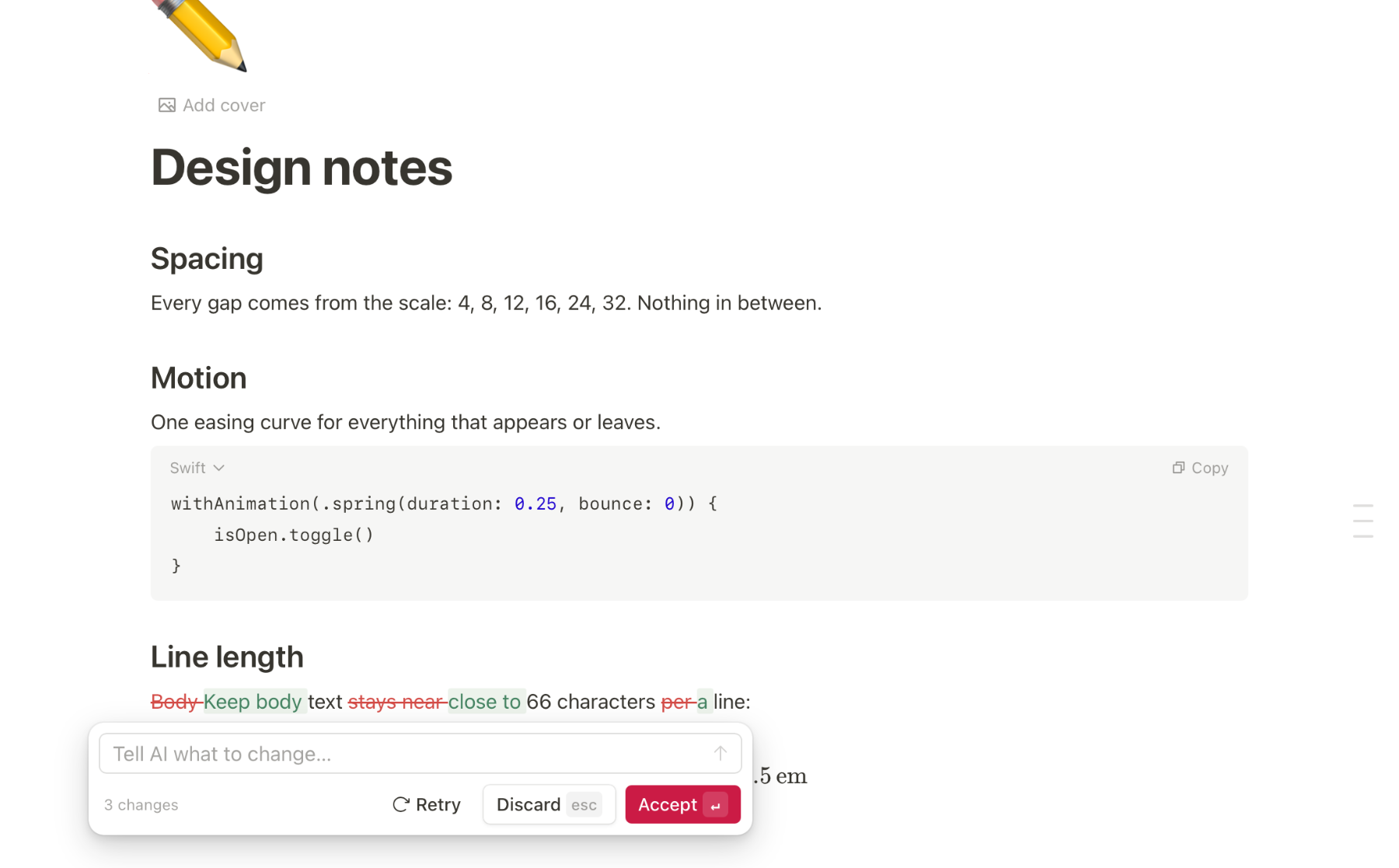
Improve the writing, make it shorter, change its tone or translate it. The change shows in the page, struck through and added, and nothing is replaced until you accept it.
Type / for headings, to-dos, tables, toggles, callouts, code and math. Drag any block by its handle, or drop it beside another to make columns.
Titles, text, PDFs and the words in photos: in English, Chinese and Japanese, even by pinyin.
Select a word and Hikki suggests its furigana, then sets it above the text.
毎日勉強する
Every editing session keeps the version before it. Compare them word by word.
Comment on a passage; the thread travels with the page.
Lock a finished page and nothing in it changes by accident, on any device.
Import Markdown, HTML and text files or whole folders. Export a page or everything as Markdown, HTML, PDF or the original files.
Share a page and write in it with someone else, at the same time. It is in development now, built on the same files, so your notes stay yours.